Buying guide
Console Forecast Stations
Our pick
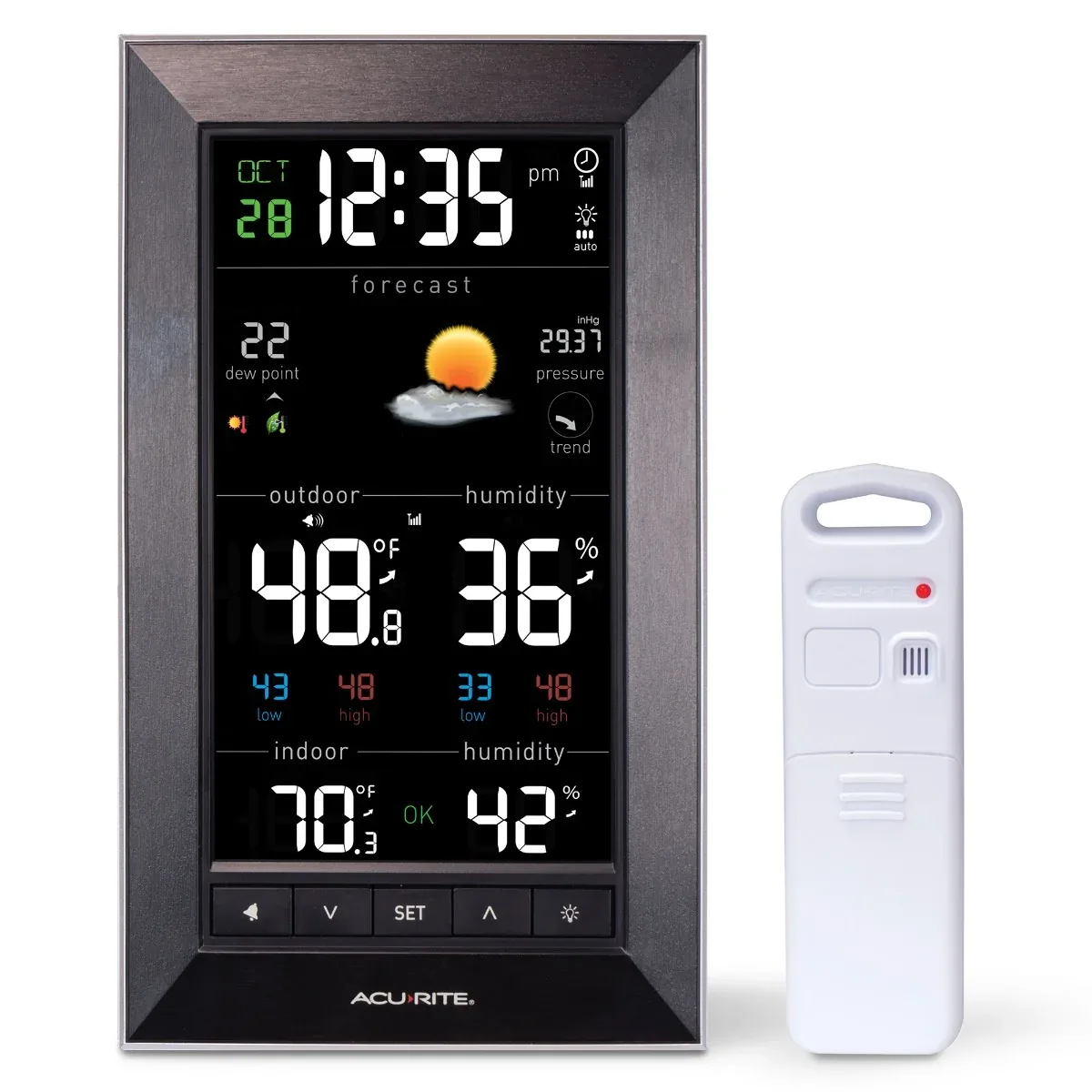
AcuRite 01121M
Choose the AcuRite 01121M for a home weather display that adjusts its brightness automatically.1
The alternatives
Other contenders
Choose the AcuRite 02016A2 when shelf space is tight: its console is 3.6 inches wide and also offers automatic dimming.326
Choose GARNI 291 Line for four brightness levels on mains power. On batteries, the backlight runs for 15 seconds.8
Choose Hama 00186314 for a battery-powered console with a button light that lasts approximately twenty seconds.16
Choose National Geographic 13407 for tracking three remote locations from one colour console, with support for three sensor channels.1827
Choose Sencor SWS 7300 when you want support for up to eight wireless sensor channels and a display backlight that adjusts to room light.20
Choose Technoline WS 6462 for an air-pressure readout and three selectable brightness levels when plugged into mains power.2428
Choose TFA Dostmann 35.1153.01 (LIFE) for a battery-operated console with temporary button lighting; its forecast icons follow changes in humidity.29
Choose TFA Dostmann HORIZON 35.1155.01 for a battery-powered local pressure forecast, with blue lighting activated by a button for three seconds.3031
Choose the TFA WEATHER BOY 35.1159.01 for a battery-powered console with a local pressure-based forecast and blue backlighting that lasts ten seconds per touch.323334
Choose TFA Dostmann 35.8000.01 for home Wi-Fi connectivity; its pressure-based forecast works without an online connection, and Wi-Fi requires the supplied adapter.3536
Choose TFA VIEW SHOW 35.8002.01 for a colour console with manually adjustable brightness and an adapter with backup battery; its weather-service forecast needs an Internet connection.373839
Choose TFA Dostmann 35.8100.54 for a wetter.com outlook covering three to six days; that online forecast needs adapter power and internet-connected Wi-Fi.4041
Compare the options
Products 1–24 of 45. Requirements and ordering apply to this page. 24 products
Filters and charts cover the models on this page.
Browse all 45 models and their full specifications
Narrow your options
Reset requirements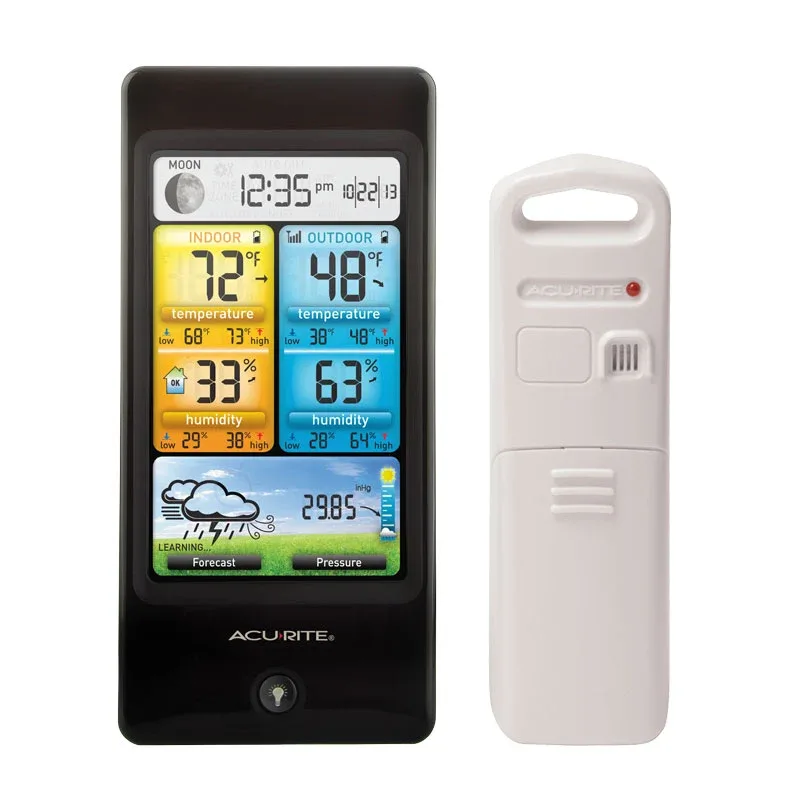
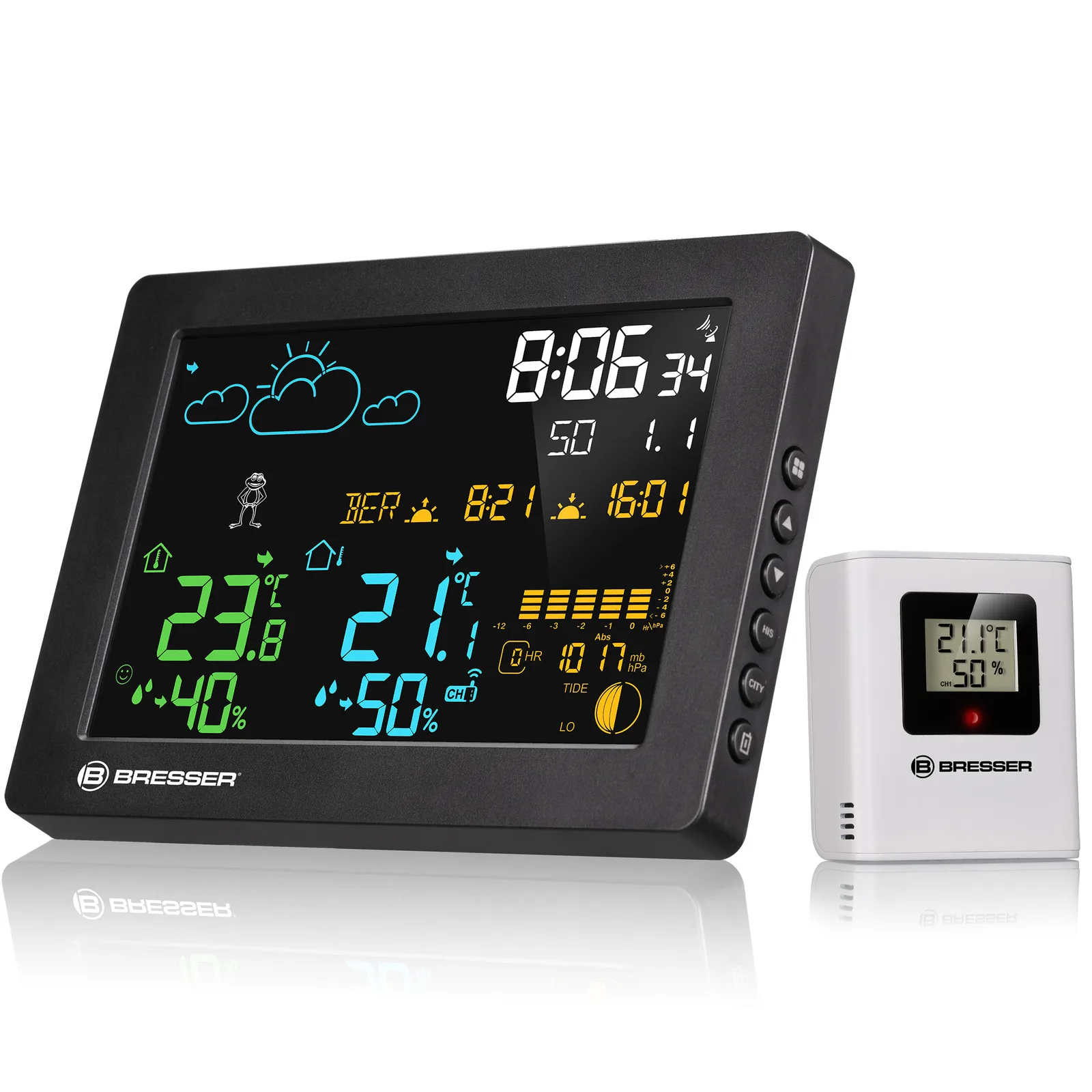
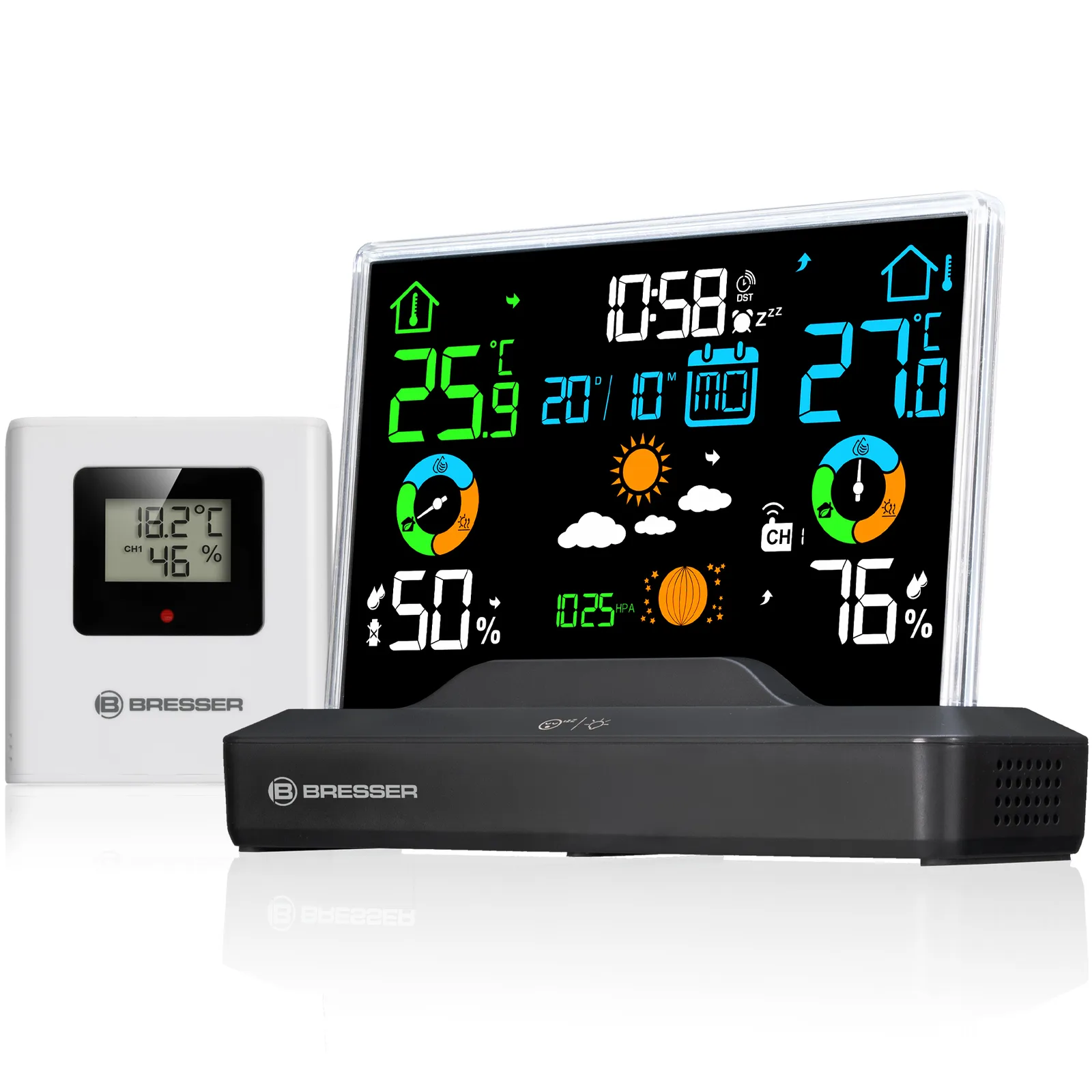
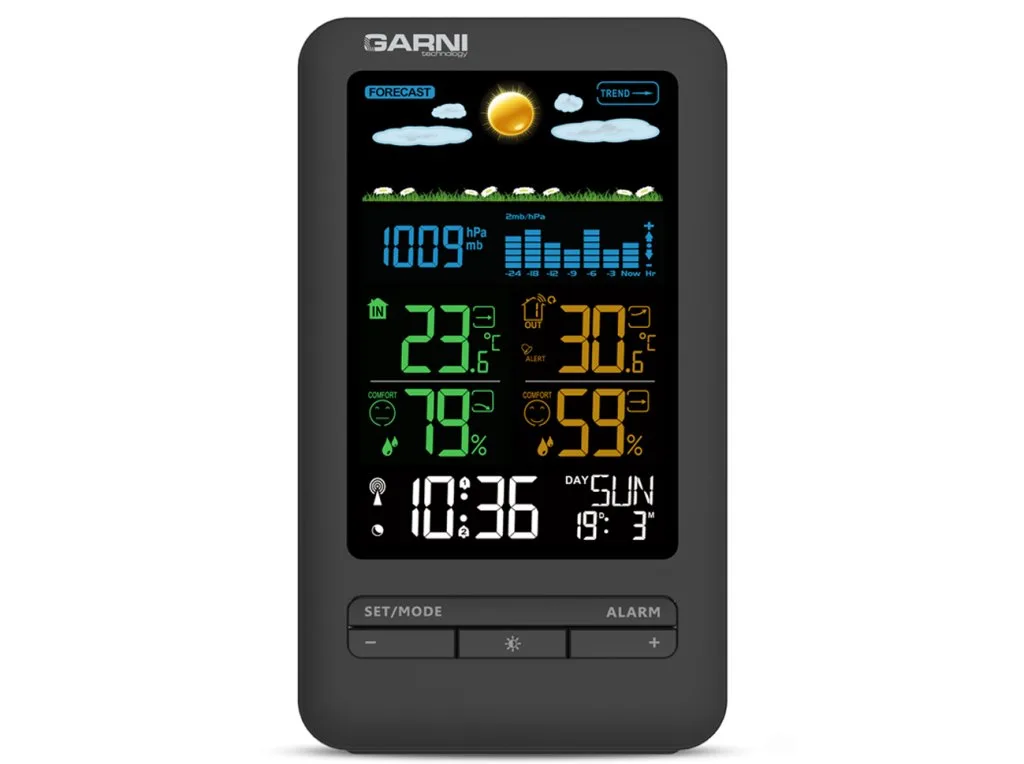
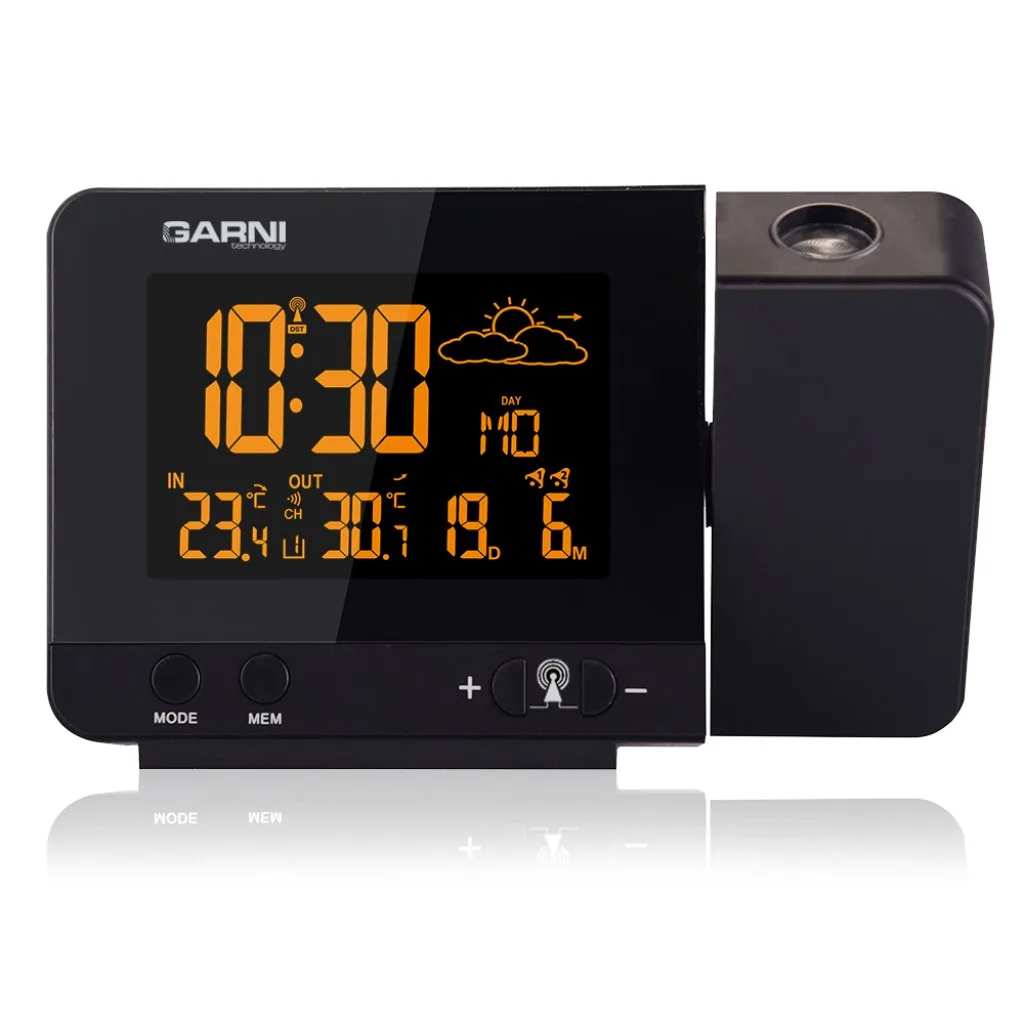
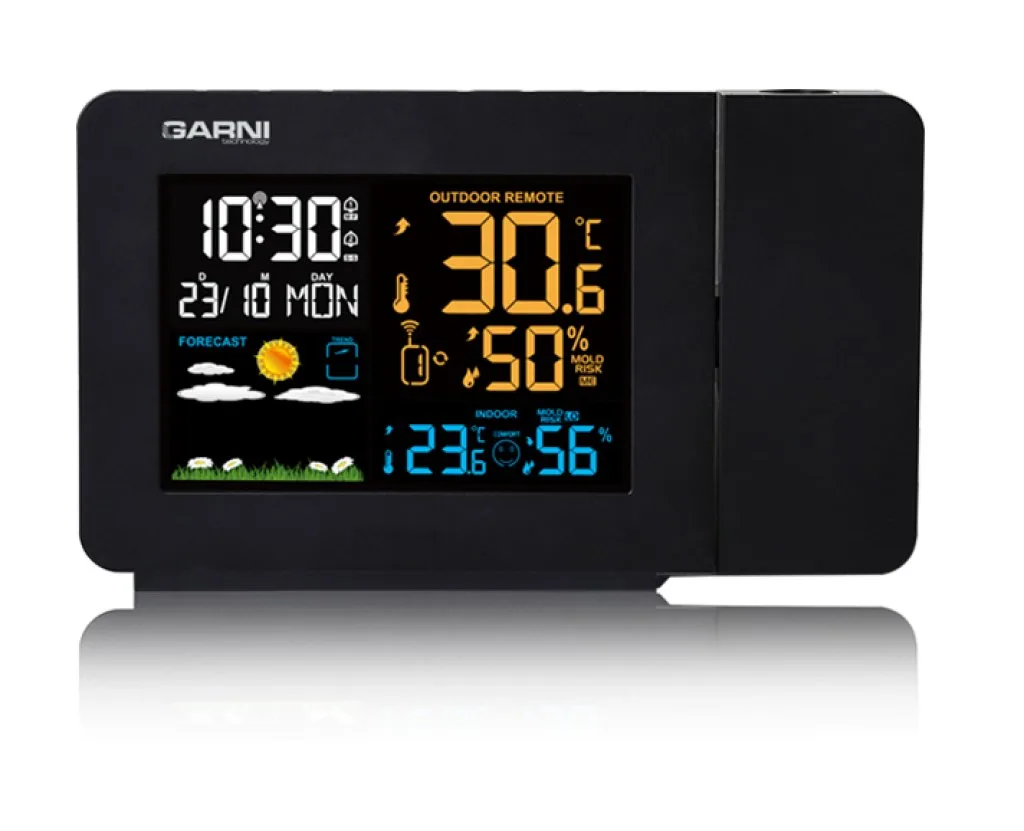
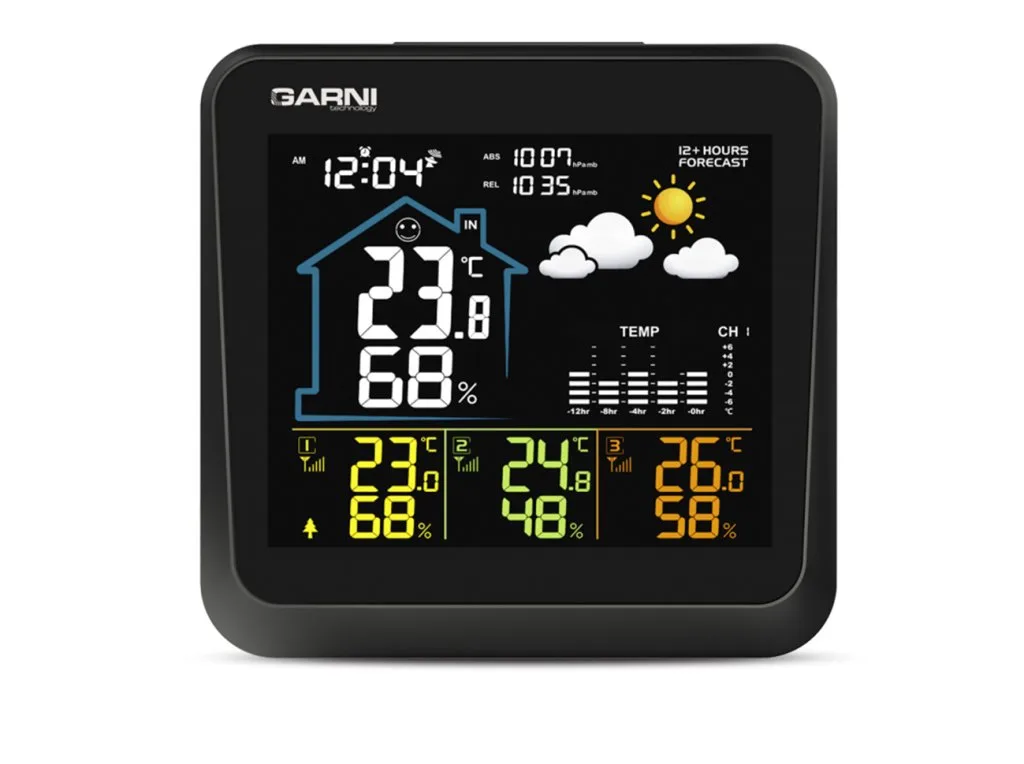
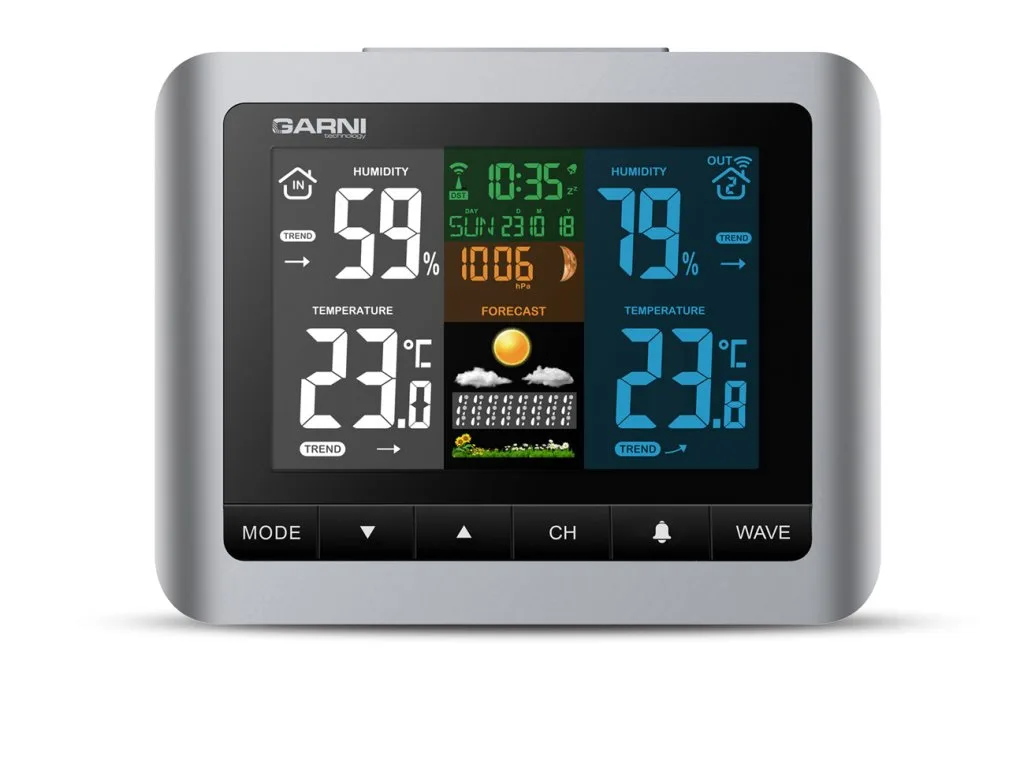
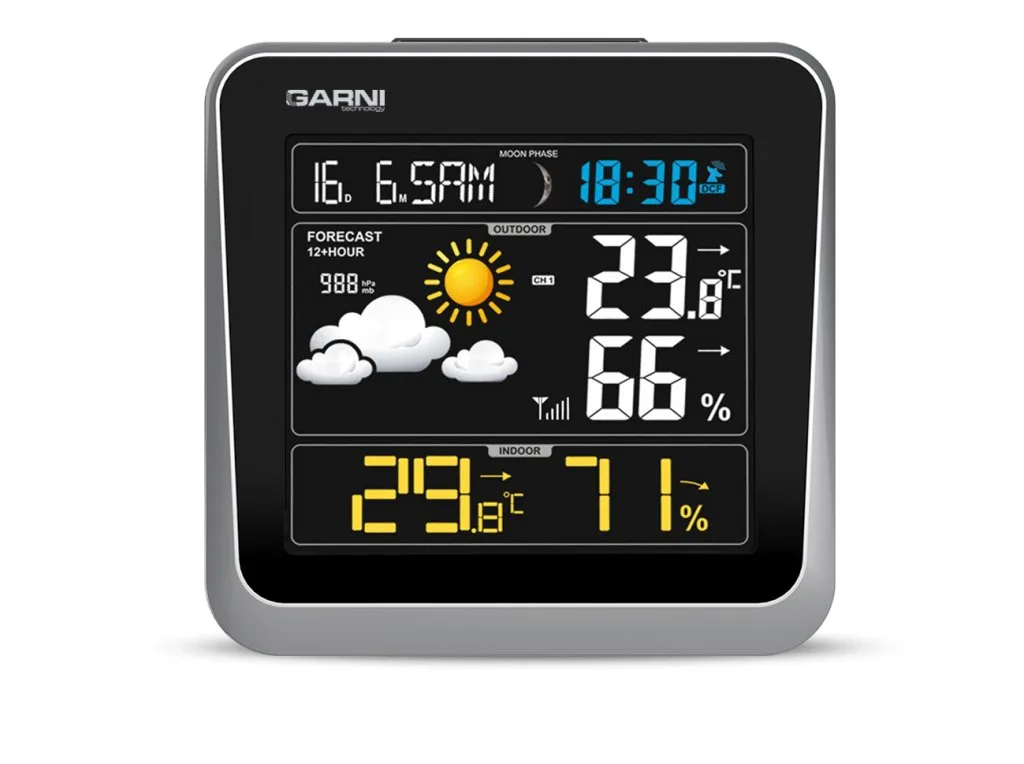
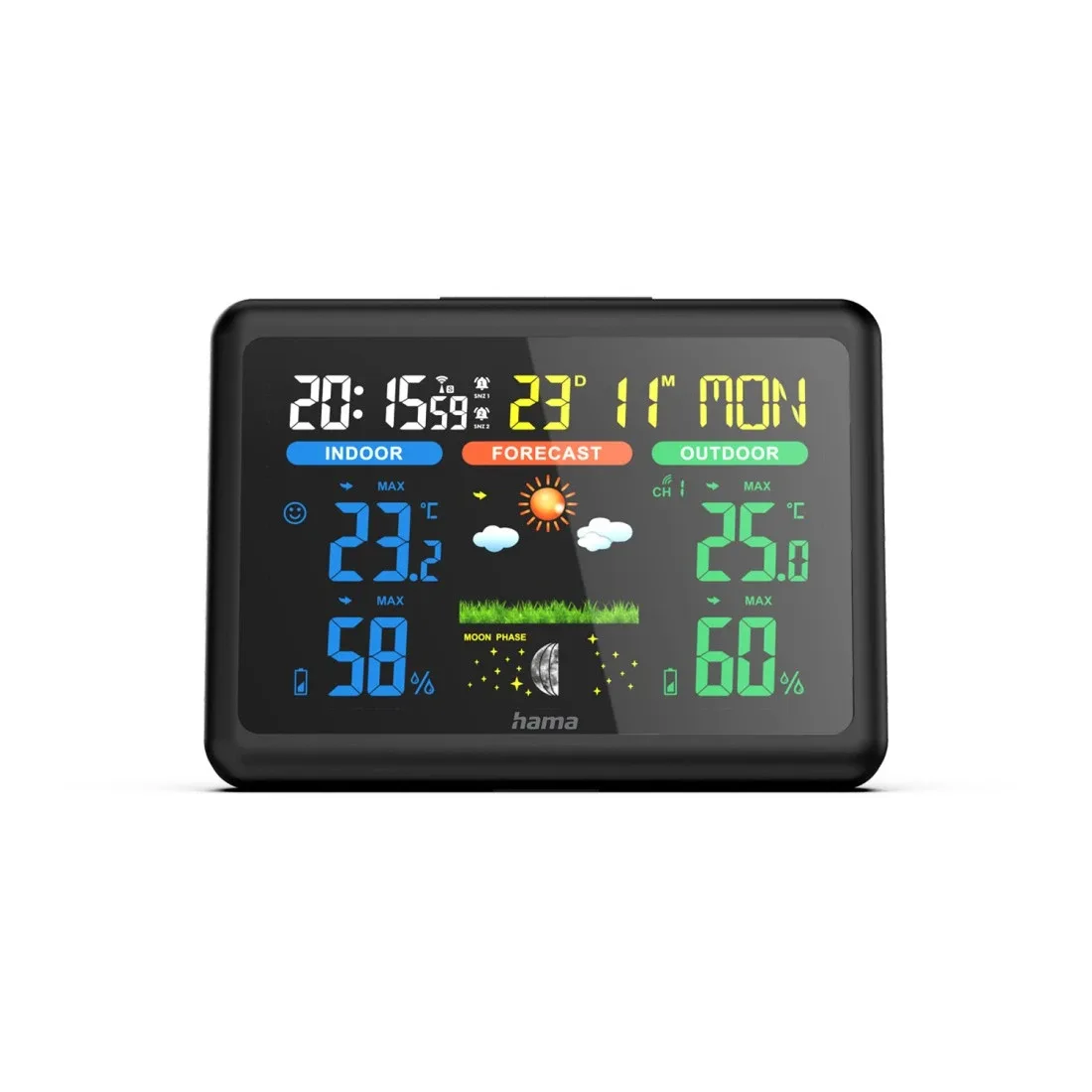
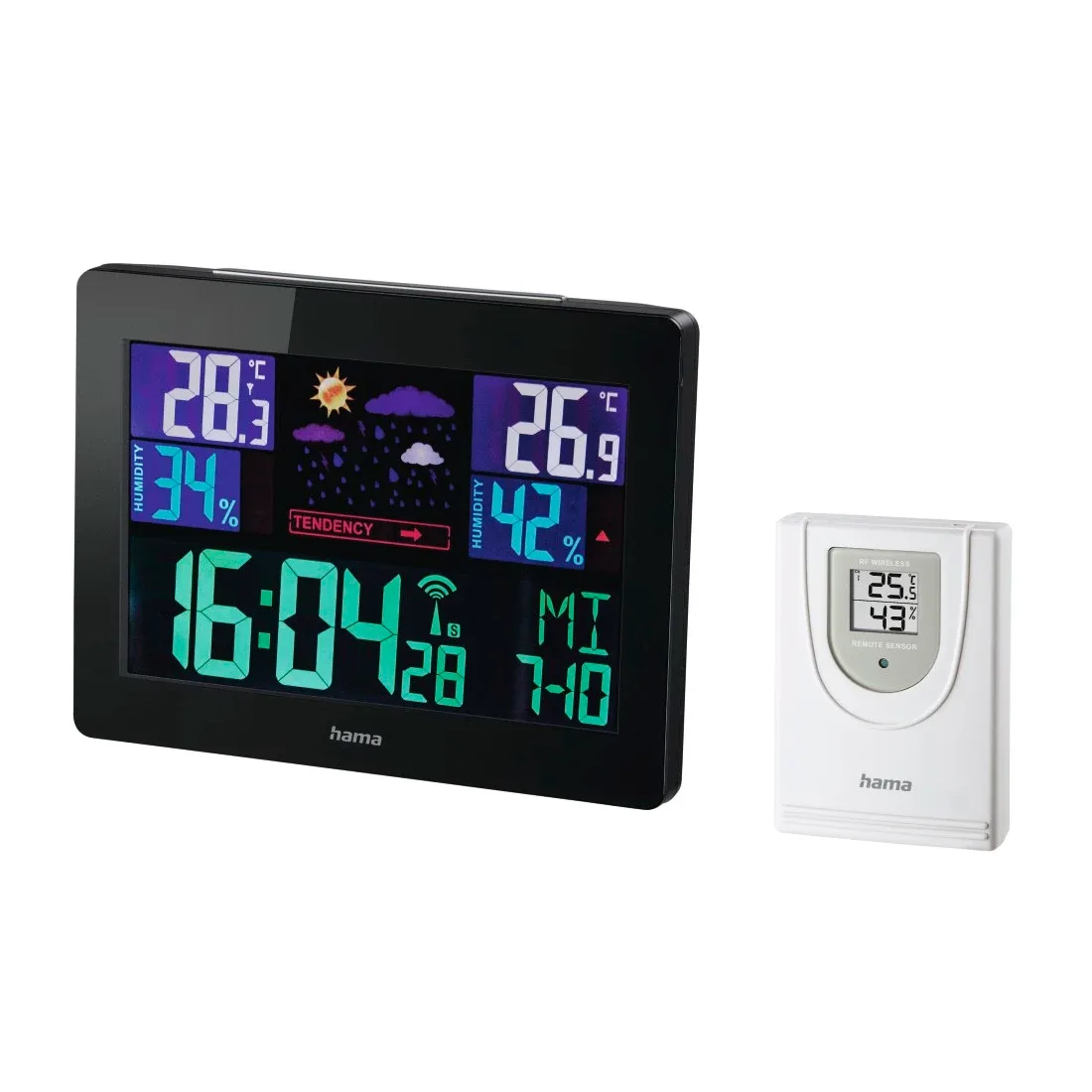
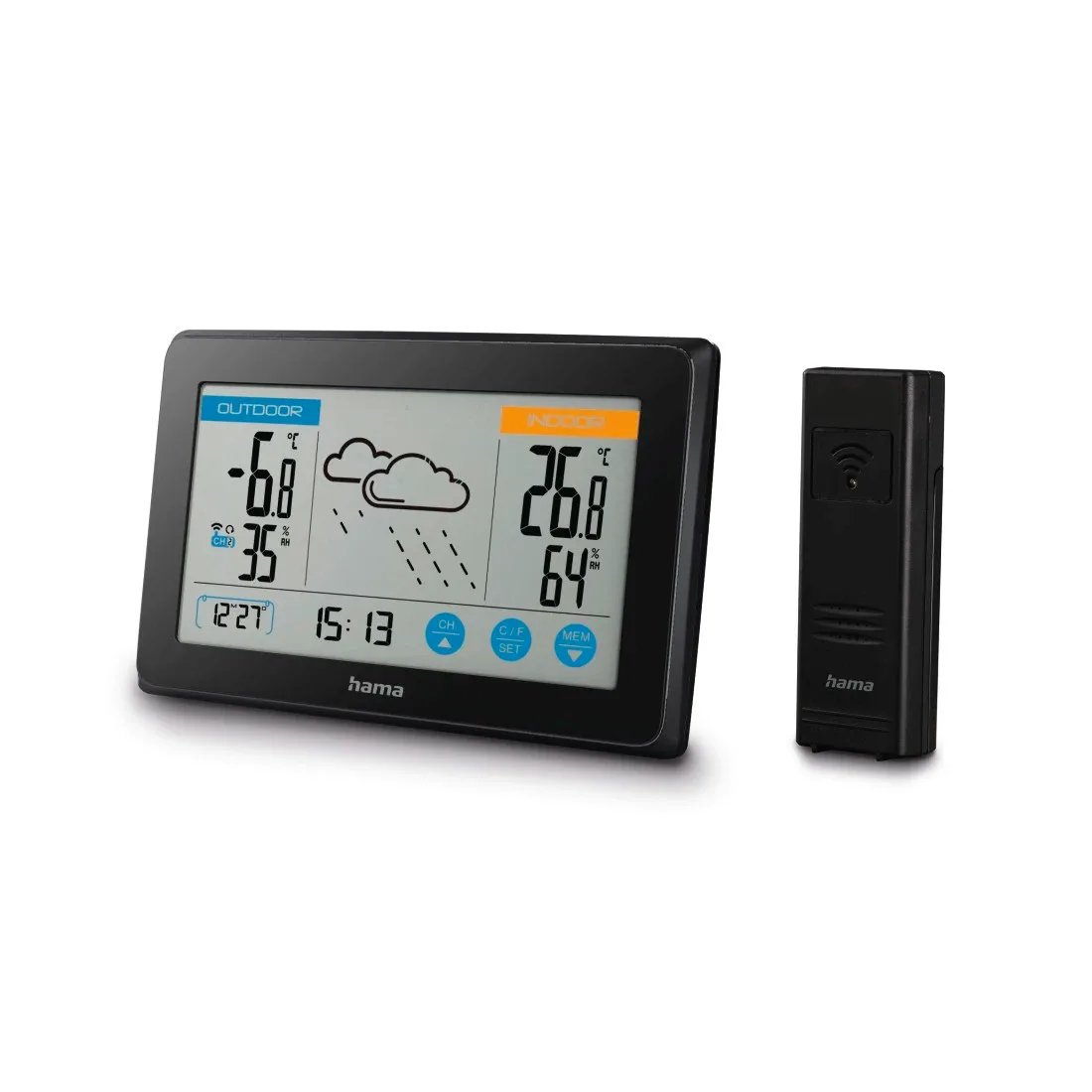
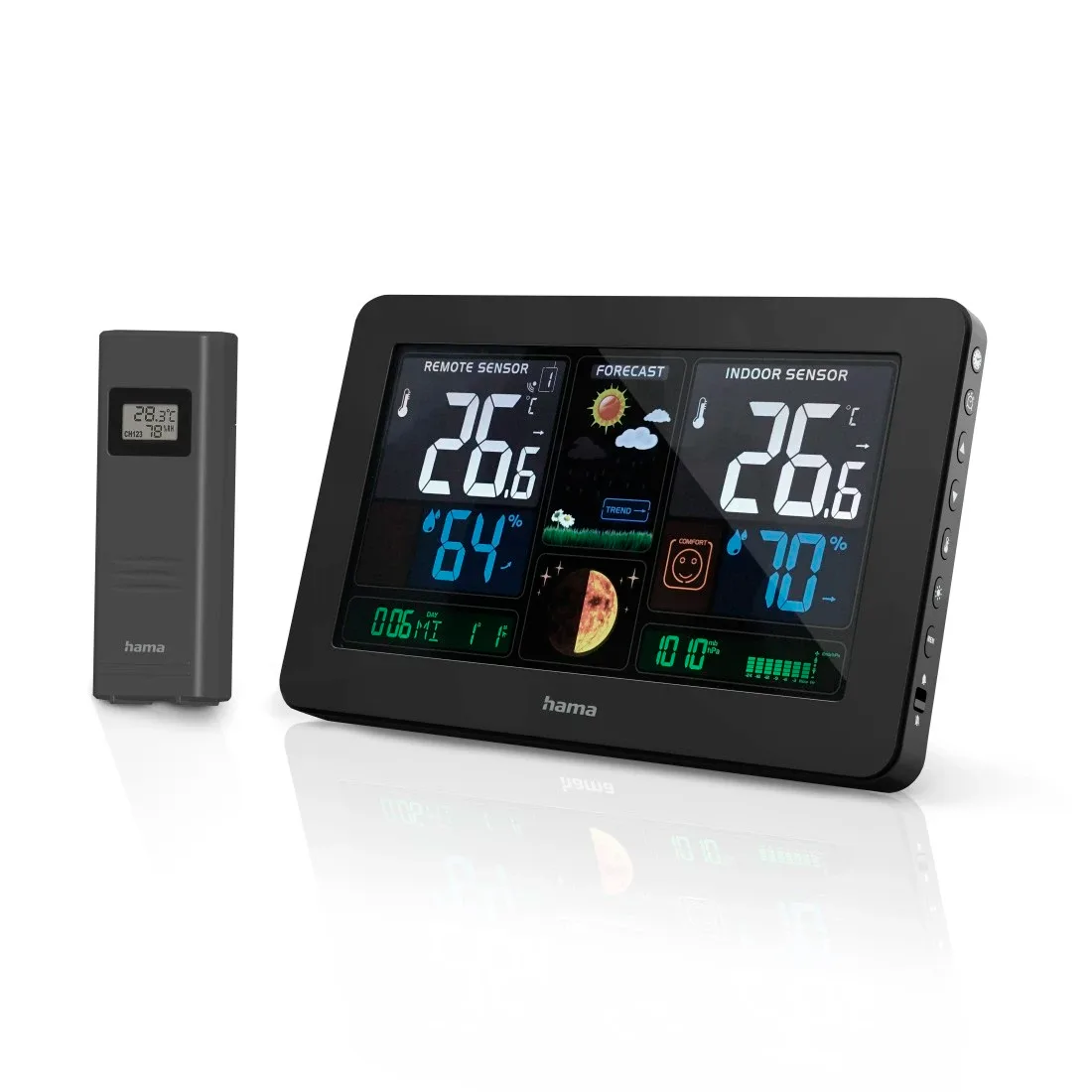
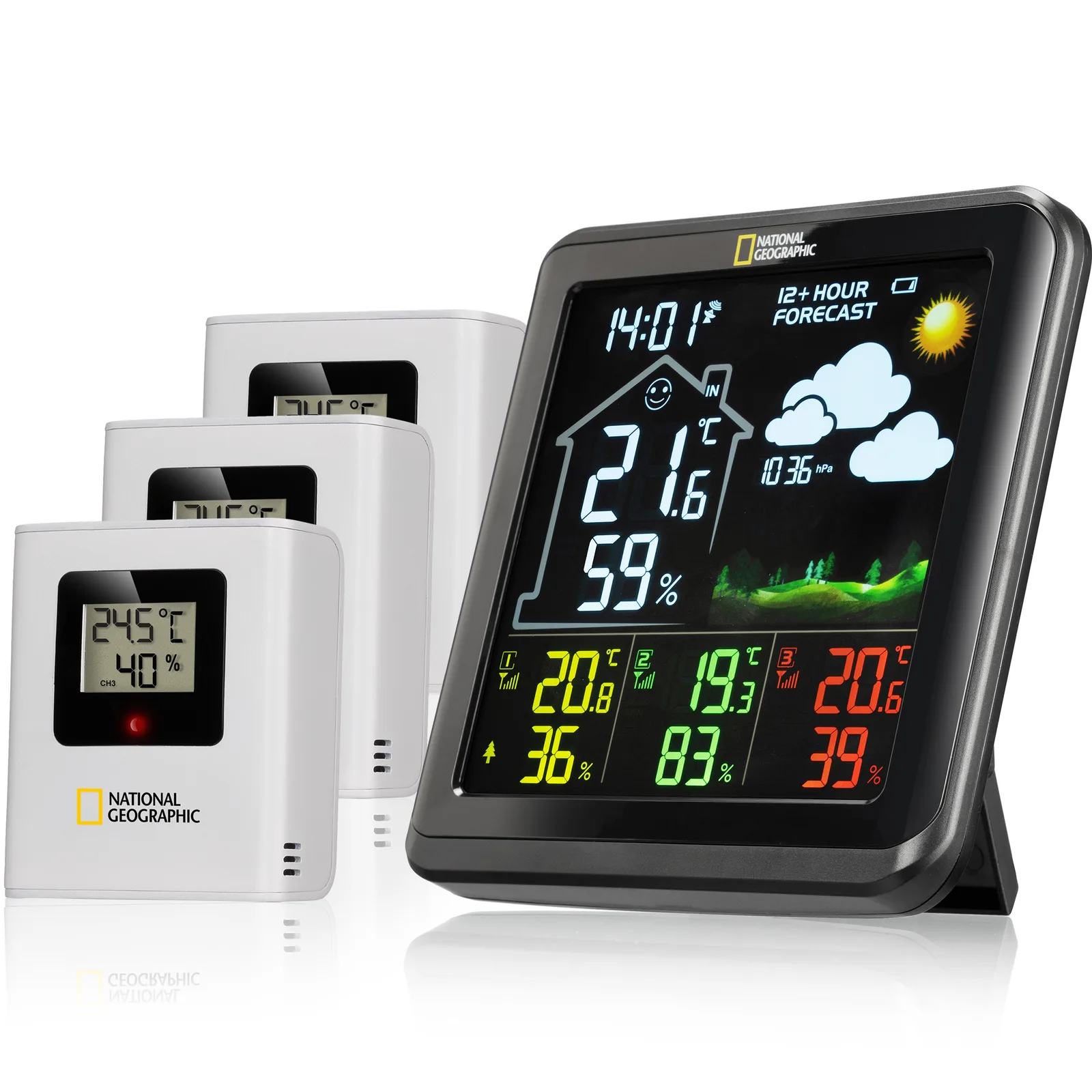
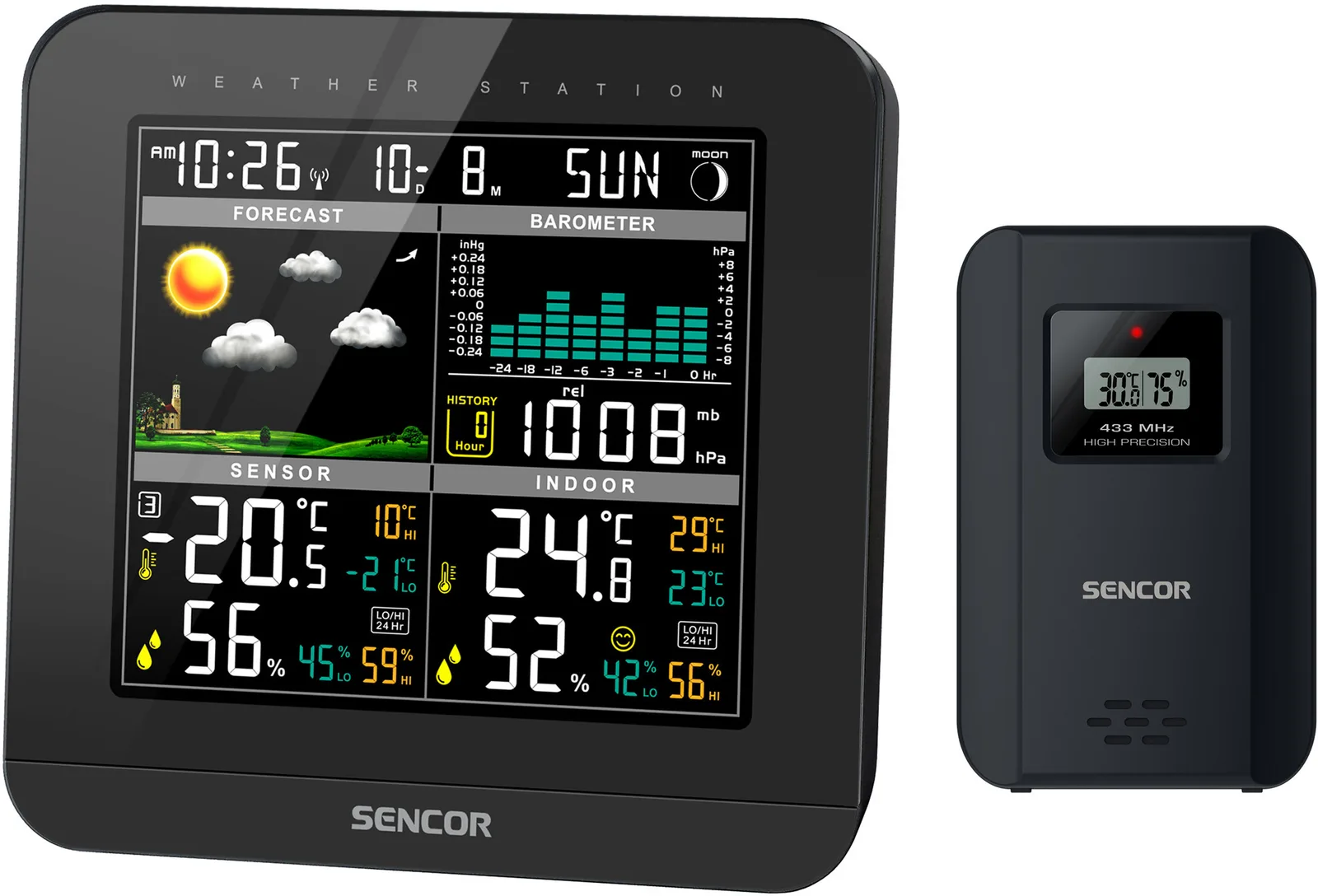
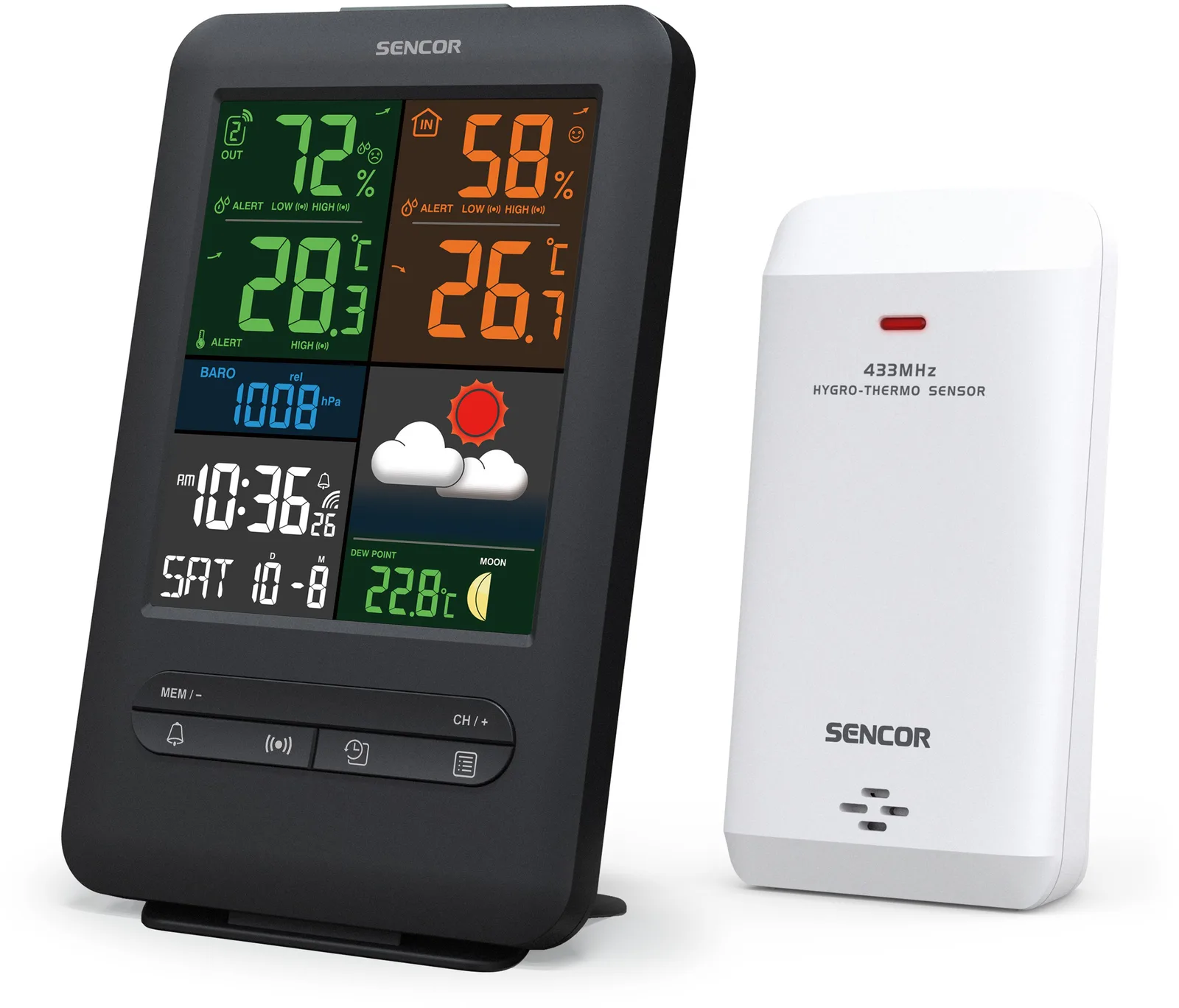
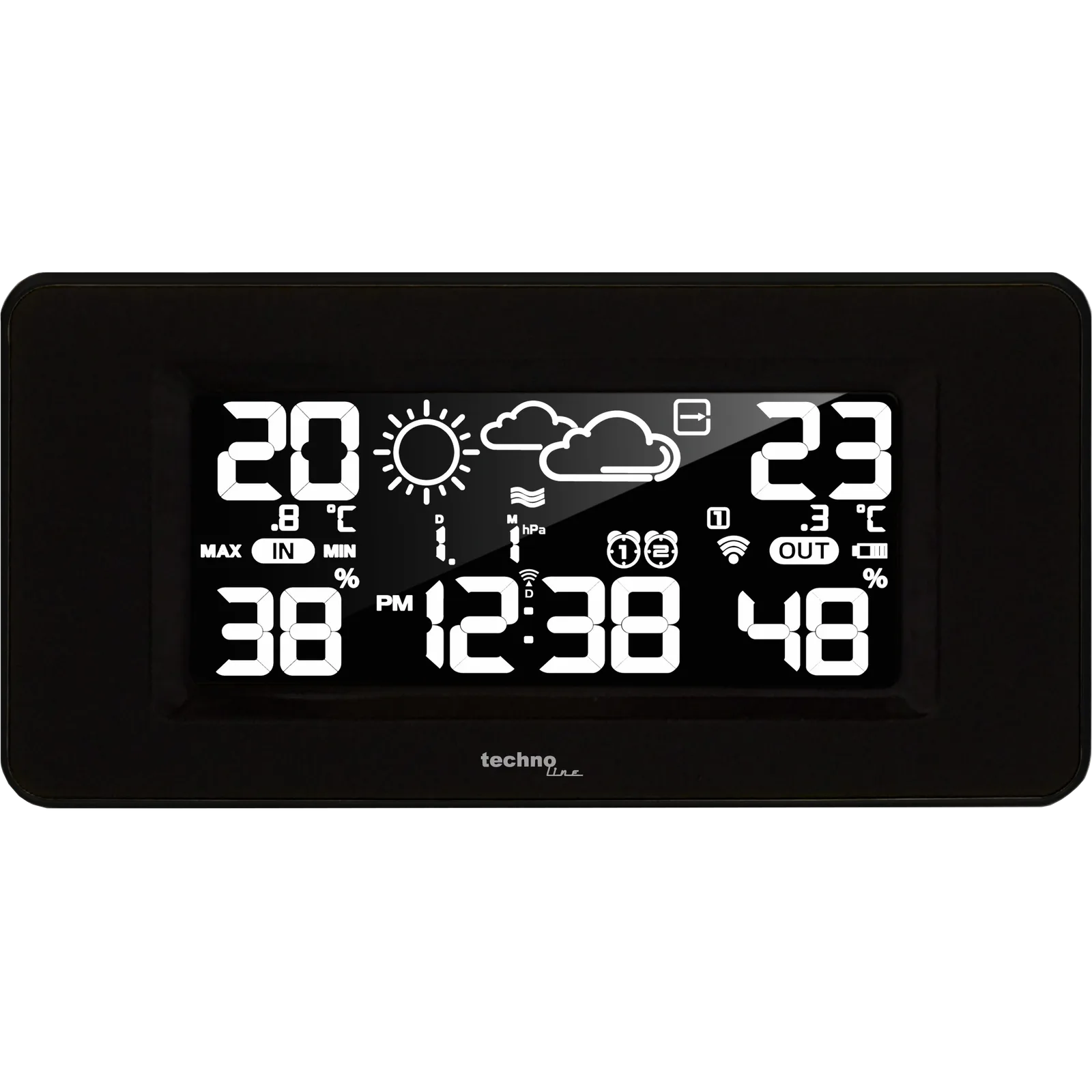
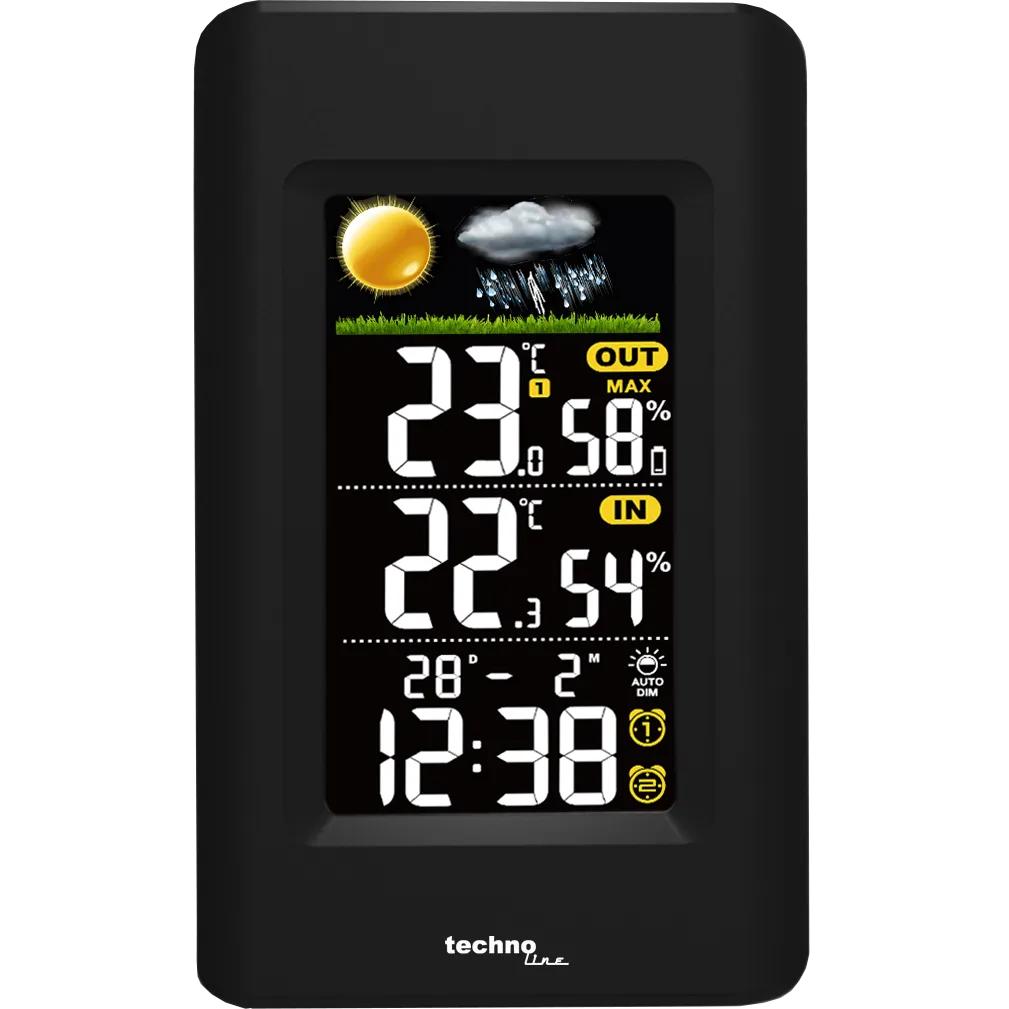
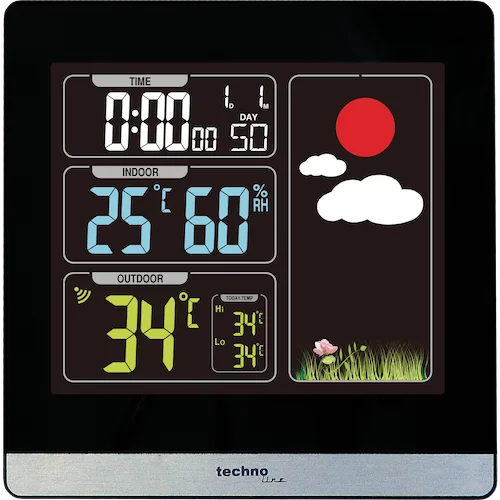
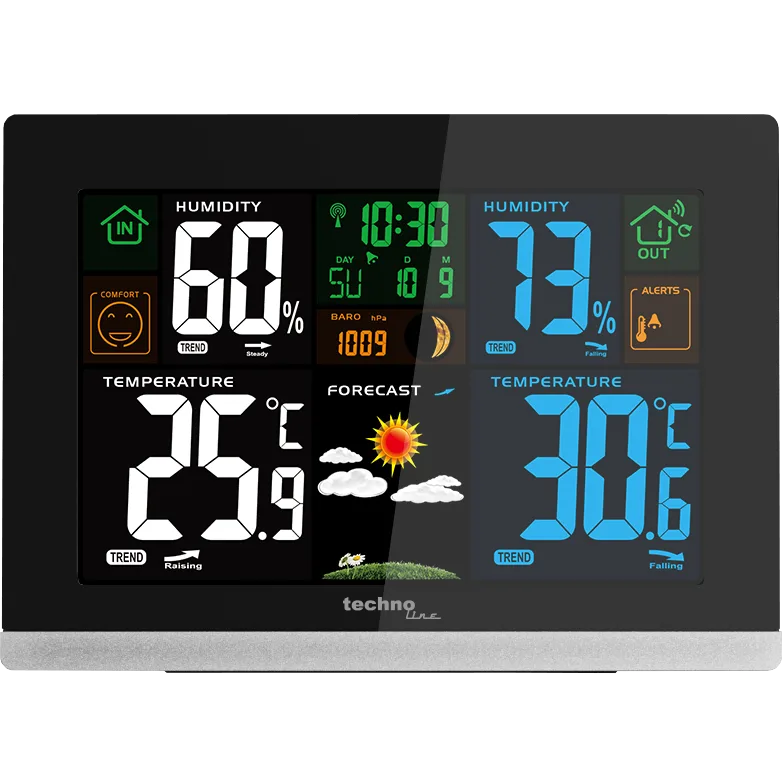
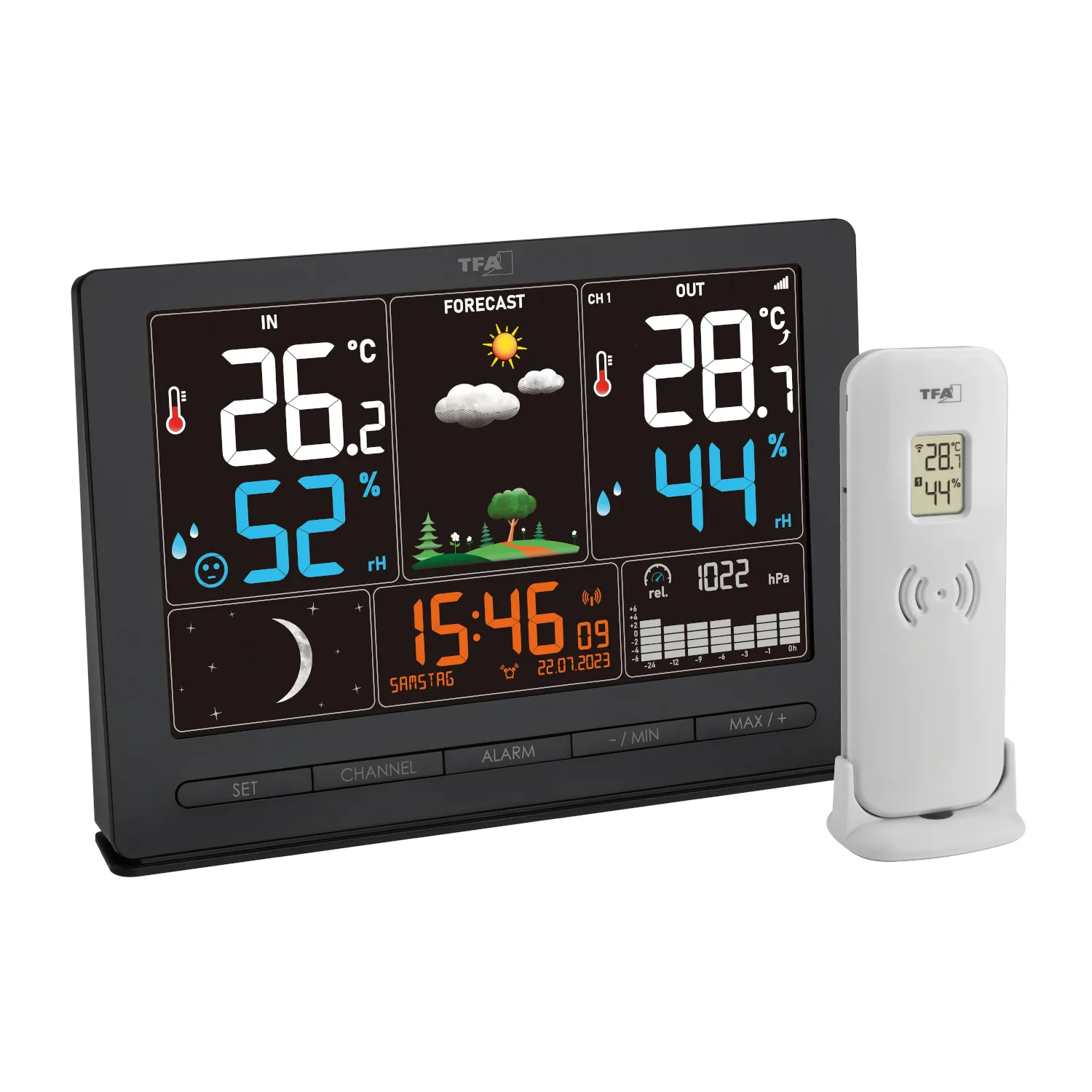
Compare models side by side
Choose two or three products to compare.
Models in this comparison
Every specification for these products
| Specification | AcuRite 01121M | AcuRite 02016A2 | AcuRite 02081M | Bresser 7006500 | Bresser 7007520 | Bresser 7007620 | GARNI 291 Line | GARNI 365 Arcus | GARNI 439 Line | GARNI 502 | GARNI 520 | GARNI 525 | Hama 00185861 | Hama 00186306 | Hama 00186314 | Hama 00186380 | National Geographic 13407 | Sencor SWS 5800 | Sencor SWS 7300 | Technoline WS 6445 | Technoline WS 6447 | Technoline WS 6448 | Technoline WS 6462 | TFA Dostmann 35.1118.01 |
|---|---|---|---|---|---|---|---|---|---|---|---|---|---|---|---|---|---|---|---|---|---|---|---|---|
| Forecast source | Onboard barometer2 | Onboard barometer42 | Onboard barometer4 | Onboard barometer5 | Onboard barometer6 | Onboard barometer7 | Onboard barometer43 | Onboard barometer9 | Onboard barometer10 | Onboard barometer44 | Onboard barometer12 | Onboard barometer13 | Onboard barometer14 | Onboard barometer15 | Onboard barometer16 | Onboard barometer17 | Onboard barometer (Tested configuration: Pressure-based symbols forecast the next 12 hours, not a report of current weather.)18 | Onboard barometer19 | Onboard barometer20 | Onboard barometer21 | Onboard barometer45 | Onboard barometer23 | Onboard barometer (Tested configuration: Local barometric-pressure trend forecast for about the next 12 hours; not a weather-service forecast or accuracy ranking.)24 | Onboard barometer46 |
| Console width | 5.5 in2 | 3.6 in26 | 7.75 in4 | Not published | Not published | Not published | Not published | Not published | Not published | Not published | Not published | Not published | Not published | Not published | Not published | Not published | Not published | Not published | Not published | Not published | Not published | Not published | Not published | Not published |
| Wireless range | 330 ft2 | 330 ft42 | 330 ft4 | ≈262 ft (80 metres)47 | 262.4672 ft48 | ≈262 ft (80 m)49 | ≈197 ft (60 m)43 | ≈197 ft (60 m)50 | ≈197 ft (60 m)10 | ≈328 ft (100 m)51 | ≈262 ft (80 m)52 | ≈262 ft (80 m)53 | Up to 164.042 ft (Tested configuration: Technical-table maximum outdoor-sensor radio range; physical obstructions reduce reach.)14 | Up to 164.042 ft (Tested configuration: Technical-table maximum outdoor-sensor radio range; physical obstructions reduce reach.)15 | ≈98.4 ft (30 m) (Tested configuration: Producer rating for the outdoor-sensor radio link, not Wi-Fi.)54 | Up to 196.8504 ft (Tested configuration: Technical-table maximum sensor radio range. The same manual gives 50 m open-space placement guidance; neither figure guarantees reach through walls.)17 | ≈262 ft (80 m) (Tested configuration: Rated sensor-to-console range in the current manufacturer manual; no measured indoor reach claimed.)18 | ≈328 ft (100 m)55 | ≈98.4 ft (30 m)56 | ≈98.4 ft (30 m) (Tested configuration: Seller rates sensor reach at 30 metres; the manufacturer manual instead states 50 metres in unobstructed open air. The same package identifiers appear in both sources.)57 | 164.042 ft (Tested configuration: Producer manual gives 50-metre open-air transmitter reach with no obstructions; this is not indoor guaranteed reach.)45 | 200 ft (Tested configuration: Producer manual states up to 60 m (200 feet) for the wireless remote sensor. Open-air rating; installation obstacles reduce range.)23 | ≈197 ft (60 meters) (Tested configuration: Wireless outdoor sensor transmission range in an open area; walls/interference reduce reach.)24 | ≈328 ft (100 m) (Tested configuration: Open areas)58 |
| Brightness control | Auto dimming1 | Auto dimming3 | Manual levels4 | Manual levels (Tested configuration: In mains operation (DC 5V))5 | Manual levels (Tested configuration: In mains operation)6 | Manual levels (Tested configuration: When powered via the power adapter)7 | Manual levels8 | Manual levels9 | Manual levels10 | Manual levels11 | Manual levels12 | Manual levels13 | Manual levels (Tested configuration: On adapter power there are two lit settings plus off; on batteries the light lasts around ten seconds.)14 | Button activated (Tested configuration: Button-triggered light lasts approximately five seconds on battery power. Permanent light requires mains power.)15 | Button activated (Tested configuration: Pressing LIGHT activates the display for approximately twenty seconds.)16 | Manual levels (Tested configuration: Five selectable brightness levels; permanent light requires mains power, while battery light lasts approximately fifteen seconds.)17 | Manual levels (Tested configuration: Selectable levels in mains operation; battery operation provides temporary button-triggered illumination.)18 | Manual levels19 | Auto dimming20 | Manual levels (Tested configuration: Dim or high brightness under AC adapter power. Backup operation preserves time and settings and gives five seconds of button-triggered lighting.)21 | Auto dimming (Tested configuration: Scheduled dimming under AC adapter power; backup operation lights the display temporarily for ten seconds after a button press.)22 | Button activated (Tested configuration: Temporary button-triggered illumination in battery operation. This does not establish brightness levels or permanent illumination under mains power.)23 | Manual levels (Tested configuration: Three selectable brightness levels plus off when powered by adapter. On batteries, touch/button activation lights the display for 15 seconds.)24 | Manual levels (Tested configuration: Mains connection; four selectable brightness levels, with an additional automatic dim function.)25 |
| Temperature accuracy | 2 °F2 | 2 °F26 | 2 °F59 | Not published | Not published | Not published | Not published | Not published | Not published | Not published | Not published | Not published | Not published | Not published | Not published | Not published | Not published | Not published | Not published | Not published | Not published | Not published | Not published | Not published |
| Wi-Fi connectivity | Not published | Not published | Not published | Not published | Not published | Not published | Not published | Not published | Not published | Not published | Not published | Not published | Not published | Not published | Not published | Not published | Not published | Not published | Not published | Not published | Not published | Not published | Not published | Not published |
| Pressure readout | Yes1 | Yes42 | Not published | Yes60 | Yes61 | Yes62 | Not published | Not published | Not published | Yes11 | Yes12 | Yes13 | Not published | Not published | Not published | Not published | Yes18 | Yes19 | Not published | Not published | Not published | Not published | Yes28 | Not published |
| Sensor channels | Not published | Not published | Not published | Not published | Not published | Not published | 343 | 39 | 310 | 311 | 312 | 313 | Not published | Not published | Not published | Not published | 318 | 319 | 820 | Not published | 3 (Tested configuration: Up to three receivable sensor channels; this does not mean three transmitters are included.)22 | Not published | 3 (Tested configuration: Up to 3 remote sensor channels; does not promise three included sensors.)28 | Not published |
| Heat index and dew point | Not published | Not published | Not published | Not published | Not published | Not published | Not published | Not published | Not published | Not published | Not published | Not published | Not published | Not published | Not published | Not published | Not published | Not published | Not published | Not published | Not published | Not published | Not published | Not published |
| Display type | Color2 | Color42 | Color59 | Color47 | Color48 | Color49 | Color63 | Color9 | Color10 | Color11 | Color12 | Color13 | Color64 | Color65 | Color54 | Color66 | Color27 | Color67 | Color68 | Color (Tested configuration: The console LCD has selectable or changing coloured illumination. This describes visible colour appearance, not pixel technology.)21 | Color69 | Color70 | Color28 | Color25 |
| Console power | AC adapter with battery backup2 | AC adapter with battery backup26 | AC adapter with battery backup4 | AC adapter or batteries47 | AC adapter with battery backup48 | AC adapter with battery backup49 | AC adapter or batteries8 | AC adapter or batteries71 | AC adapter with battery backup72 | AC adapter or batteries11 | AC adapter or batteries12 | AC adapter or batteries13 | AC adapter or batteries (Tested configuration: Alternative console operation on adapter or batteries; this is not a claim of battery backup.)14 | AC adapter or batteries (Tested configuration: Alternative console operation on adapter or batteries; this is not a claim of battery backup.)15 | Battery only (Tested configuration: Complete model 00186314 technical declaration and maker power-connector specification establish battery operation. Base batteries are separate from sensor batteries.)16 | AC adapter or batteries (Tested configuration: Alternative console operation on adapter or batteries; this is not a claim of battery backup.)17 | AC adapter with battery backup (Tested configuration: The manual describes batteries retaining the time setting during a power failure; battery mode deactivates the display after 6 seconds, with temporary button activation. No continuous full-brightness backup operation claimed.)18 | AC adapter or batteries19 | AC adapter with battery backup20 | AC adapter with battery backup (Tested configuration: Included AC adapter supplies the console. Three AAA batteries are backup; actual manual limits retained functions to time/settings and temporary five-second light.)73 | AC adapter with battery backup (Tested configuration: Included AC adapter is primary supply. Backup batteries keep time and settings; a button lights the display for ten seconds during interruption.)45 | AC adapter with battery backup (Tested configuration: Indoor console includes AC adapter; two AAA console batteries are explicitly backup, separate from transmitter batteries.)74 | AC adapter with battery backup (Tested configuration: Indoor console AC adapter included; two AA console batteries are explicitly backup, distinct from transmitter batteries.)28 | AC adapter with battery backup (Tested configuration: Maker states that settings and memory values are retained; permanent backlight requires the adapter.)25 |
Compare features
Reset requirements
Products 1–24 of 45. Requirements and ordering apply to this page. 24 products
AcuRite 01121M
- Brightness control
- Auto dimming1
AcuRite 02016A2
- Brightness control
- Auto dimming3
AcuRite 02081M
- Brightness control
- Manual levels4
Bresser 7006500
- Brightness control
- Manual levels (Tested configuration: In mains operation (DC 5V))5
Bresser 7007520
- Brightness control
- Manual levels (Tested configuration: In mains operation)6
Bresser 7007620
- Brightness control
- Manual levels (Tested configuration: When powered via the power adapter)7
GARNI 291 Line
- Brightness control
- Manual levels8
GARNI 365 Arcus
- Brightness control
- Manual levels9
GARNI 439 Line
- Brightness control
- Manual levels10
Hama 00185861
- Brightness control
- Manual levels (Tested configuration: On adapter power there are two lit settings plus off; on batteries the light lasts around ten seconds.)14
Hama 00186306
- Brightness control
- Button activated (Tested configuration: Button-triggered light lasts approximately five seconds on battery power. Permanent light requires mains power.)15
Hama 00186314
- Brightness control
- Button activated (Tested configuration: Pressing LIGHT activates the display for approximately twenty seconds.)16
Hama 00186380
- Brightness control
- Manual levels (Tested configuration: Five selectable brightness levels; permanent light requires mains power, while battery light lasts approximately fifteen seconds.)17
National Geographic 13407
- Brightness control
- Manual levels (Tested configuration: Selectable levels in mains operation; battery operation provides temporary button-triggered illumination.)18
Sencor SWS 5800
- Brightness control
- Manual levels19
Sencor SWS 7300
- Brightness control
- Auto dimming20
Technoline WS 6445
- Brightness control
- Manual levels (Tested configuration: Dim or high brightness under AC adapter power. Backup operation preserves time and settings and gives five seconds of button-triggered lighting.)21
Technoline WS 6447
- Brightness control
- Auto dimming (Tested configuration: Scheduled dimming under AC adapter power; backup operation lights the display temporarily for ten seconds after a button press.)22
Technoline WS 6448
- Brightness control
- Button activated (Tested configuration: Temporary button-triggered illumination in battery operation. This does not establish brightness levels or permanent illumination under mains power.)23
Technoline WS 6462
- Brightness control
- Manual levels (Tested configuration: Three selectable brightness levels plus off when powered by adapter. On batteries, touch/button activation lights the display for 15 seconds.)24
TFA Dostmann 35.1118.01
- Brightness control
- Manual levels (Tested configuration: Mains connection; four selectable brightness levels, with an additional automatic dim function.)25
How they compare
Scroll the table to see every product and specification.
| Specification | Our pickAcuRite 01121M | AcuRite 02016A2 | AcuRite 02081M | Bresser 7006500 | Bresser 7007520 | Bresser 7007620 | GARNI 291 Line | GARNI 365 Arcus | GARNI 439 Line | GARNI 502 | GARNI 520 | GARNI 525 | Hama 00185861 | Hama 00186306 | Hama 00186314 | Hama 00186380 | National Geographic 13407 | Sencor SWS 5800 | Sencor SWS 7300 | Technoline WS 6445 | Technoline WS 6447 | Technoline WS 6448 | Technoline WS 6462 | TFA Dostmann 35.1118.01 |
|---|---|---|---|---|---|---|---|---|---|---|---|---|---|---|---|---|---|---|---|---|---|---|---|---|
| Forecast source | Onboard barometer2 | Onboard barometer42 | Onboard barometer4 | Onboard barometer5 | Onboard barometer6 | Onboard barometer7 | Onboard barometer43 | Onboard barometer9 | Onboard barometer10 | Onboard barometer44 | Onboard barometer12 | Onboard barometer13 | Onboard barometer14 | Onboard barometer15 | Onboard barometer16 | Onboard barometer17 | Onboard barometer (Tested configuration: Pressure-based symbols forecast the next 12 hours, not a report of current weather.)18 | Onboard barometer19 | Onboard barometer20 | Onboard barometer21 | Onboard barometer45 | Onboard barometer23 | Onboard barometer (Tested configuration: Local barometric-pressure trend forecast for about the next 12 hours; not a weather-service forecast or accuracy ranking.)24 | Onboard barometer46 |
| Console width | 5.5 in2 | 3.6 in26 | 7.75 in4 | Not published | Not published | Not published | Not published | Not published | Not published | Not published | Not published | Not published | Not published | Not published | Not published | Not published | Not published | Not published | Not published | Not published | Not published | Not published | Not published | Not published |
| Wireless range | 330 ft2 | 330 ft42 | 330 ft4 | ≈262 ft (80 metres)47 | 262.4672 ft48 | ≈262 ft (80 m)49 | ≈197 ft (60 m)43 | ≈197 ft (60 m)50 | ≈197 ft (60 m)10 | ≈328 ft (100 m)51 | ≈262 ft (80 m)52 | ≈262 ft (80 m)53 | Up to 164.042 ft (Tested configuration: Technical-table maximum outdoor-sensor radio range; physical obstructions reduce reach.)14 | Up to 164.042 ft (Tested configuration: Technical-table maximum outdoor-sensor radio range; physical obstructions reduce reach.)15 | ≈98.4 ft (30 m) (Tested configuration: Producer rating for the outdoor-sensor radio link, not Wi-Fi.)54 | Up to 196.8504 ft (Tested configuration: Technical-table maximum sensor radio range. The same manual gives 50 m open-space placement guidance; neither figure guarantees reach through walls.)17 | ≈262 ft (80 m) (Tested configuration: Rated sensor-to-console range in the current manufacturer manual; no measured indoor reach claimed.)18 | ≈328 ft (100 m)55 | ≈98.4 ft (30 m)56 | ≈98.4 ft (30 m) (Tested configuration: Seller rates sensor reach at 30 metres; the manufacturer manual instead states 50 metres in unobstructed open air. The same package identifiers appear in both sources.)57 | 164.042 ft (Tested configuration: Producer manual gives 50-metre open-air transmitter reach with no obstructions; this is not indoor guaranteed reach.)45 | 200 ft (Tested configuration: Producer manual states up to 60 m (200 feet) for the wireless remote sensor. Open-air rating; installation obstacles reduce range.)23 | ≈197 ft (60 meters) (Tested configuration: Wireless outdoor sensor transmission range in an open area; walls/interference reduce reach.)24 | ≈328 ft (100 m) (Tested configuration: Open areas)58 |
| Brightness control | Auto dimming1 | Auto dimming3 | Manual levels4 | Manual levels (Tested configuration: In mains operation (DC 5V))5 | Manual levels (Tested configuration: In mains operation)6 | Manual levels (Tested configuration: When powered via the power adapter)7 | Manual levels8 | Manual levels9 | Manual levels10 | Manual levels11 | Manual levels12 | Manual levels13 | Manual levels (Tested configuration: On adapter power there are two lit settings plus off; on batteries the light lasts around ten seconds.)14 | Button activated (Tested configuration: Button-triggered light lasts approximately five seconds on battery power. Permanent light requires mains power.)15 | Button activated (Tested configuration: Pressing LIGHT activates the display for approximately twenty seconds.)16 | Manual levels (Tested configuration: Five selectable brightness levels; permanent light requires mains power, while battery light lasts approximately fifteen seconds.)17 | Manual levels (Tested configuration: Selectable levels in mains operation; battery operation provides temporary button-triggered illumination.)18 | Manual levels19 | Auto dimming20 | Manual levels (Tested configuration: Dim or high brightness under AC adapter power. Backup operation preserves time and settings and gives five seconds of button-triggered lighting.)21 | Auto dimming (Tested configuration: Scheduled dimming under AC adapter power; backup operation lights the display temporarily for ten seconds after a button press.)22 | Button activated (Tested configuration: Temporary button-triggered illumination in battery operation. This does not establish brightness levels or permanent illumination under mains power.)23 | Manual levels (Tested configuration: Three selectable brightness levels plus off when powered by adapter. On batteries, touch/button activation lights the display for 15 seconds.)24 | Manual levels (Tested configuration: Mains connection; four selectable brightness levels, with an additional automatic dim function.)25 |
| Temperature accuracy | 2 °F2 | 2 °F26 | 2 °F59 | Not published | Not published | Not published | Not published | Not published | Not published | Not published | Not published | Not published | Not published | Not published | Not published | Not published | Not published | Not published | Not published | Not published | Not published | Not published | Not published | Not published |
| Wi-Fi connectivity | Not published | Not published | Not published | Not published | Not published | Not published | Not published | Not published | Not published | Not published | Not published | Not published | Not published | Not published | Not published | Not published | Not published | Not published | Not published | Not published | Not published | Not published | Not published | Not published |
| Pressure readout | Yes1 | Yes42 | Not published | Yes60 | Yes61 | Yes62 | Not published | Not published | Not published | Yes11 | Yes12 | Yes13 | Not published | Not published | Not published | Not published | Yes18 | Yes19 | Not published | Not published | Not published | Not published | Yes28 | Not published |
| Sensor channels | Not published | Not published | Not published | Not published | Not published | Not published | 343 | 39 | 310 | 311 | 312 | 313 | Not published | Not published | Not published | Not published | 318 | 319 | 820 | Not published | 3 (Tested configuration: Up to three receivable sensor channels; this does not mean three transmitters are included.)22 | Not published | 3 (Tested configuration: Up to 3 remote sensor channels; does not promise three included sensors.)28 | Not published |
| Heat index and dew point | Not published | Not published | Not published | Not published | Not published | Not published | Not published | Not published | Not published | Not published | Not published | Not published | Not published | Not published | Not published | Not published | Not published | Not published | Not published | Not published | Not published | Not published | Not published | Not published |
| Display type | Color2 | Color42 | Color59 | Color47 | Color48 | Color49 | Color63 | Color9 | Color10 | Color11 | Color12 | Color13 | Color64 | Color65 | Color54 | Color66 | Color27 | Color67 | Color68 | Color (Tested configuration: The console LCD has selectable or changing coloured illumination. This describes visible colour appearance, not pixel technology.)21 | Color69 | Color70 | Color28 | Color25 |
| Console power | AC adapter with battery backup2 | AC adapter with battery backup26 | AC adapter with battery backup4 | AC adapter or batteries47 | AC adapter with battery backup48 | AC adapter with battery backup49 | AC adapter or batteries8 | AC adapter or batteries71 | AC adapter with battery backup72 | AC adapter or batteries11 | AC adapter or batteries12 | AC adapter or batteries13 | AC adapter or batteries (Tested configuration: Alternative console operation on adapter or batteries; this is not a claim of battery backup.)14 | AC adapter or batteries (Tested configuration: Alternative console operation on adapter or batteries; this is not a claim of battery backup.)15 | Battery only (Tested configuration: Complete model 00186314 technical declaration and maker power-connector specification establish battery operation. Base batteries are separate from sensor batteries.)16 | AC adapter or batteries (Tested configuration: Alternative console operation on adapter or batteries; this is not a claim of battery backup.)17 | AC adapter with battery backup (Tested configuration: The manual describes batteries retaining the time setting during a power failure; battery mode deactivates the display after 6 seconds, with temporary button activation. No continuous full-brightness backup operation claimed.)18 | AC adapter or batteries19 | AC adapter with battery backup20 | AC adapter with battery backup (Tested configuration: Included AC adapter supplies the console. Three AAA batteries are backup; actual manual limits retained functions to time/settings and temporary five-second light.)73 | AC adapter with battery backup (Tested configuration: Included AC adapter is primary supply. Backup batteries keep time and settings; a button lights the display for ten seconds during interruption.)45 | AC adapter with battery backup (Tested configuration: Indoor console includes AC adapter; two AAA console batteries are explicitly backup, separate from transmitter batteries.)74 | AC adapter with battery backup (Tested configuration: Indoor console AC adapter included; two AA console batteries are explicitly backup, distinct from transmitter batteries.)28 | AC adapter with battery backup (Tested configuration: Maker states that settings and memory values are retained; permanent backlight requires the adapter.)25 |
Sources
- www.newegg.com
- www.acurite.com
- www.acurite.com
- www.acurite.com
- bre-he-pim03.bresser.de
- bre-he-pim03.bresser.de
- bre-he-pim03.bresser.de
- www.garnitechnology.com
- www.garnitechnology.cz
- www.garnitechnology.cz
- www.garnitechnology.com
- www.garnitechnology.com
- www.garnitechnology.com
- ro.hama.com
- ro.hama.com
- ro.hama.com
- ro.hama.com
- bre-he-pim03.bresser.de
- im.eva.cz
- cleanairlove.com
- www.technoline-berlin.de
- www.technoline-berlin.de
- www.technoline-berlin.de
- www.technoline-berlin.de
- com-tradebyte-core-tbone-media-live.s3.eu-central-1.amazonaws.com
- www.acurite.com
- harrisoncameras.co.uk
- www.technoline-berlin.de
- com-tradebyte-core-tbone-media-live.s3.eu-central-1.amazonaws.com
- com-tradebyte-core-tbone-media-live.s3.eu-central-1.amazonaws.com
- www.tfa-dostmann.de
- www.tfa-dostmann.de
- com-tradebyte-core-tbone-media-live.s3.eu-central-1.amazonaws.com
- www.wetterladen.de
- www.tfa-dostmann.de
- com-tradebyte-core-tbone-media-live.s3.eu-central-1.amazonaws.com
- www.tfa-dostmann.de
- com-tradebyte-core-tbone-media-live.s3.eu-central-1.amazonaws.com
- www.wetterladen.de
- com-tradebyte-core-tbone-media-live.s3.eu-central-1.amazonaws.com
- www.tfa-dostmann.de
- www.sylvane.com
- www.garnitechnology.cz
- www.garnitechnology.cz
- www.technoline-berlin.de
- www.tfa-dostmann.de
- www.bresser.com
- www.bresser.com
- www.bresser.com
- www.sterix.cz
- www.meteoshop.cz
- sklep.meteoplus.pl
- www.meteoshop.cz
- ro.hama.com
- www.mironet.de
- www.sencor.com
- www.saturn.de
- www.reichelt.com
- www.shopabunda.com
- www.xbstelecom.eu
- verrekijkergigant.nl
- www.weathershop.co.uk
- www.pc-rescue.cz
- ro.hama.com
- www.mediamarkt.at
- ro.hama.com
- www.sencor.com
- www.photopoint.ee
- www.smartgoods.de
- www.akkushop.de
- dwn.alza.cz
- dwn.alza.cz
- www.technoline-berlin.de
- www.technoline-berlin.de
Compare two models
- AcuRite 01121M vs AcuRite 02081M
- AcuRite 01121M vs AcuRite 02016A2
- AcuRite 01121M vs TFA Dostmann 35.1155.01
- AcuRite 01121M vs TFA Dostmann 35.1159.01
- AcuRite 01121M vs TFA Dostmann 35.8002.01
- AcuRite 01121M vs TFA Dostmann 35.1153.01
- AcuRite 01121M vs TFA Dostmann 35.1152.01
- AcuRite 01121M vs Sencor SWS 5800
- AcuRite 01121M vs GARNI 365 Arcus
- AcuRite 01121M vs GARNI 439 Line
- AcuRite 01121M vs GARNI 520
- AcuRite 01121M vs GARNI 525
- AcuRite 01121M vs GARNI 502
- AcuRite 01121M vs GARNI 291 Line